
Reply threading
How replies to mail sent through Cloudflare find their way back to the right document, and what a desk user sees.
On this page
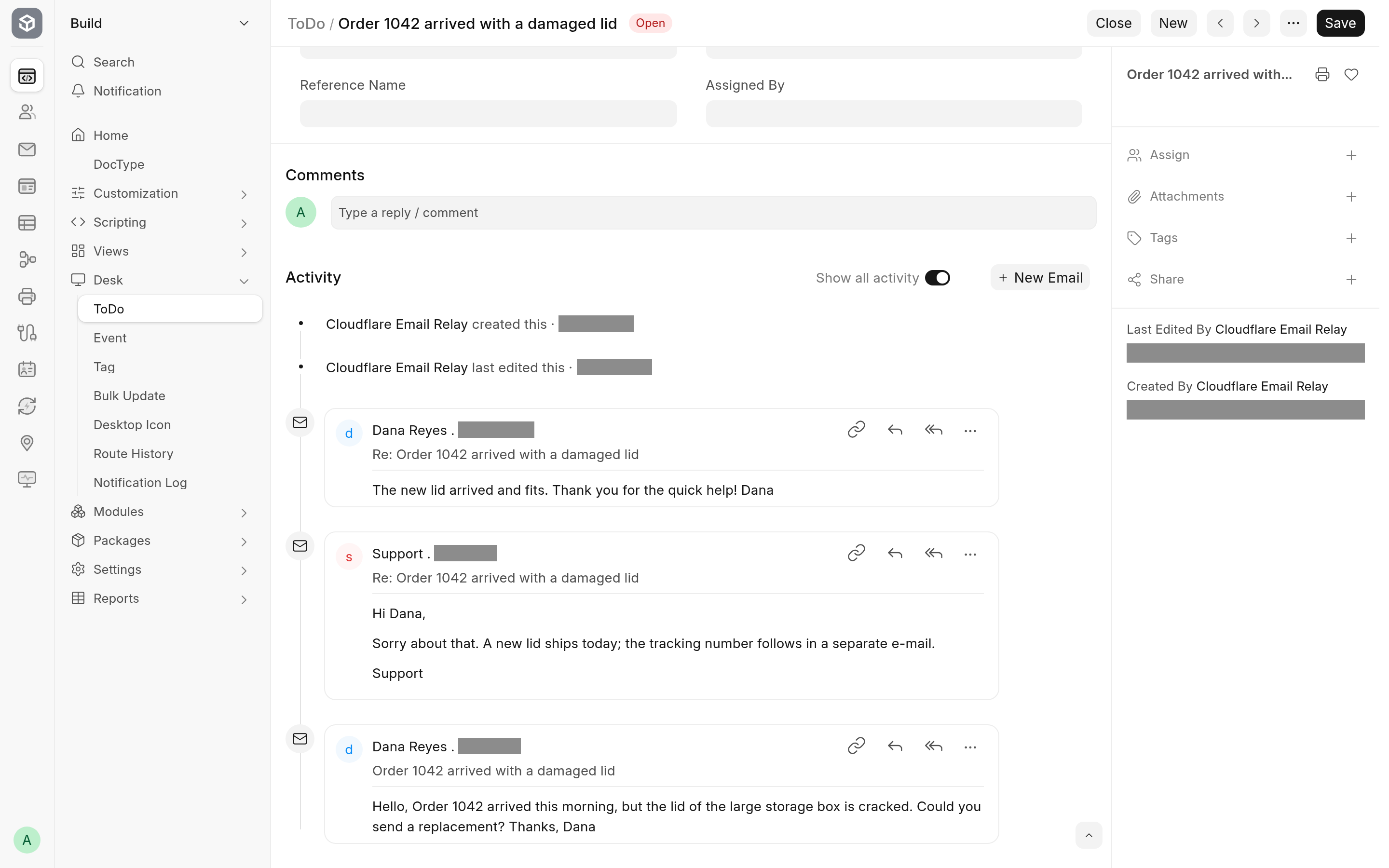
For desk users nothing changes: you send email from a document with New Email as before, and when the customer answers, the answer appears in that document's timeline. This page explains what makes that work, because Cloudflare changes one header Frappe normally relies on.
The problem
Frappe gives every message it sends a Message-ID and stores it on the Email Queue entry and the Communication. When a reply comes in, Frappe reads its In-Reply-To header, finds the message it answers, and attaches the reply to the same document.
Cloudflare Email Sending replaces the Message-ID of every message with one of its own. The customer's mail program therefore puts Cloudflare's id in In-Reply-To, an id the site has never seen, and Frappe alone would treat the reply as a new message.
What the app does
On the way out, it adds Frappe's own
Message-IDto theReferencesheader. If the message already answers another one, the earlier ids fromIn-Reply-Toare kept in front of it. Mail programs copyReferencesinto their replies.On the way in, it looks at
In-Reply-Tofirst and then atReferences, newest id first, and takes the first id the site knows: one issued by this site, or one stored on a Communication or an Email Queue entry. Frappe then attaches the reply as usual.
A reply to a message sent through Cloudflare therefore lands on the document the message was sent from, and a customer's further answers land on that document too.
When a reply does not thread
Threading depends on the customer's mail program keeping References in its reply. Every mainstream mail program does. A reply whose References and In-Reply-To carry no id the site knows is handled as a new message: with Append To set, it creates a new document. You can then link it to the right document by hand, as you would for any unmatched email in Frappe.
References may grow long in an old conversation. Cloudflare allows at most 2,048 bytes per header value, so the app drops the oldest ids first and always keeps Frappe's own.